
How to present a home with a 360° virtual tour
Preparing the home, choosing the route and sharing the link: what makes the difference between a useful tour and one nobody finishes.
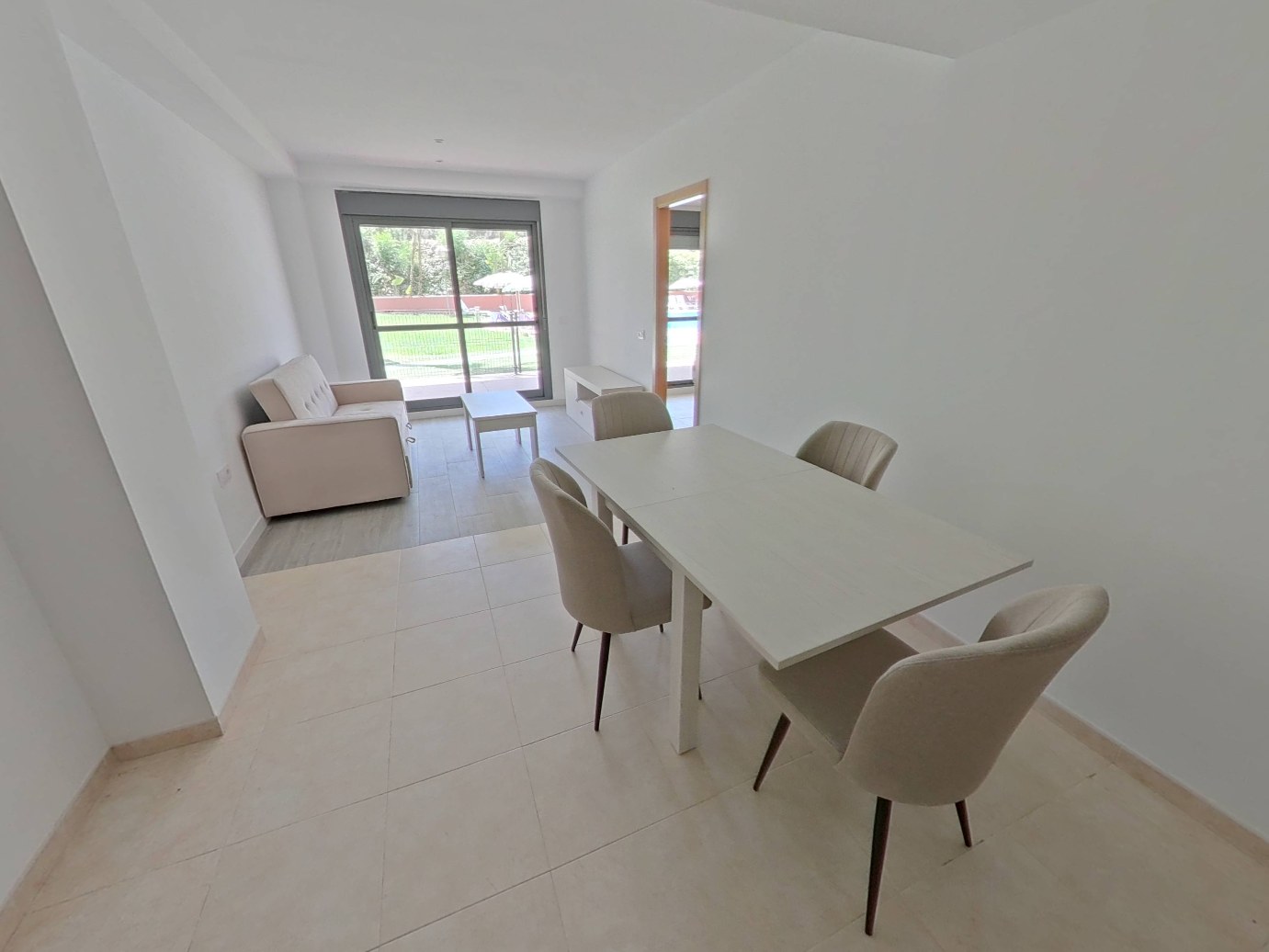
A 360° virtual tour is an interactive walk-through made of spherical scenes of each room. Anyone who opens it can look in any direction and move from one room to another, on a phone, a computer or a virtual reality headset. Done well, it answers the question that matters most before a visit: what is the home really like?
Prepare the home as for an important viewing
A 360° camera sees everything at once, including what is behind it. That is why preparation matters even more than for a conventional photo:
- Tidy every room, not just the part you expect to be seen.
- Open blinds and curtains and switch on all the lights.
- Put away personal items, family photographs, documents and anything you do not want published.
- Leave interior doors open so moving between rooms feels natural.
Plan the route like a guided visit
The order of the scenes is the order in which someone will get to know the house. The usual approach is to start at the entrance or outside, move to the living areas, continue through bedrooms and bathrooms, and finish on the terraces or in the garden, which are often what people remember most. Each scene should be placed at the point that best explains the room, usually near the centre and at roughly eye height.
A real base and, if needed, transformed versions
The tour of the current condition is the reference and should always be available. From the same scenes you can prepare versions with virtual staging or with a renovation proposal, which are useful when the home is empty or needs work. Those versions are simulations and must be presented as such, kept apart from the real walk-through. In our demonstration you can compare the three versions of the same home.
Share it where the decision is made
A tour is shared with a link, so it works in listings, on a website, in a WhatsApp message or in a digital presentation of the property. It helps to add a line explaining what it is and how to navigate it, along with the photographs and the floor plan: each format answers a different question.
Mistakes that detract
- Scenes taken in corners or too low, which distort the proportions.
- Rooms missing without explanation, which creates mistrust.
- Transformed versions mixed with the real condition without warning.
- Links that stop working because nobody checked how long the tour would stay published.
In short
A good 360° tour does not replace the viewing, but it prepares it. Tidy the home, decide the route, publish the real condition first and add simulations only when they help. If you would like us to prepare it, you can see how we work in 360° virtual tours.